What you need
A phone or tablet with an internet connection. The scanner opens in the browser, so there is nothing to buy and nothing to install from an app store.
How it works at the counter
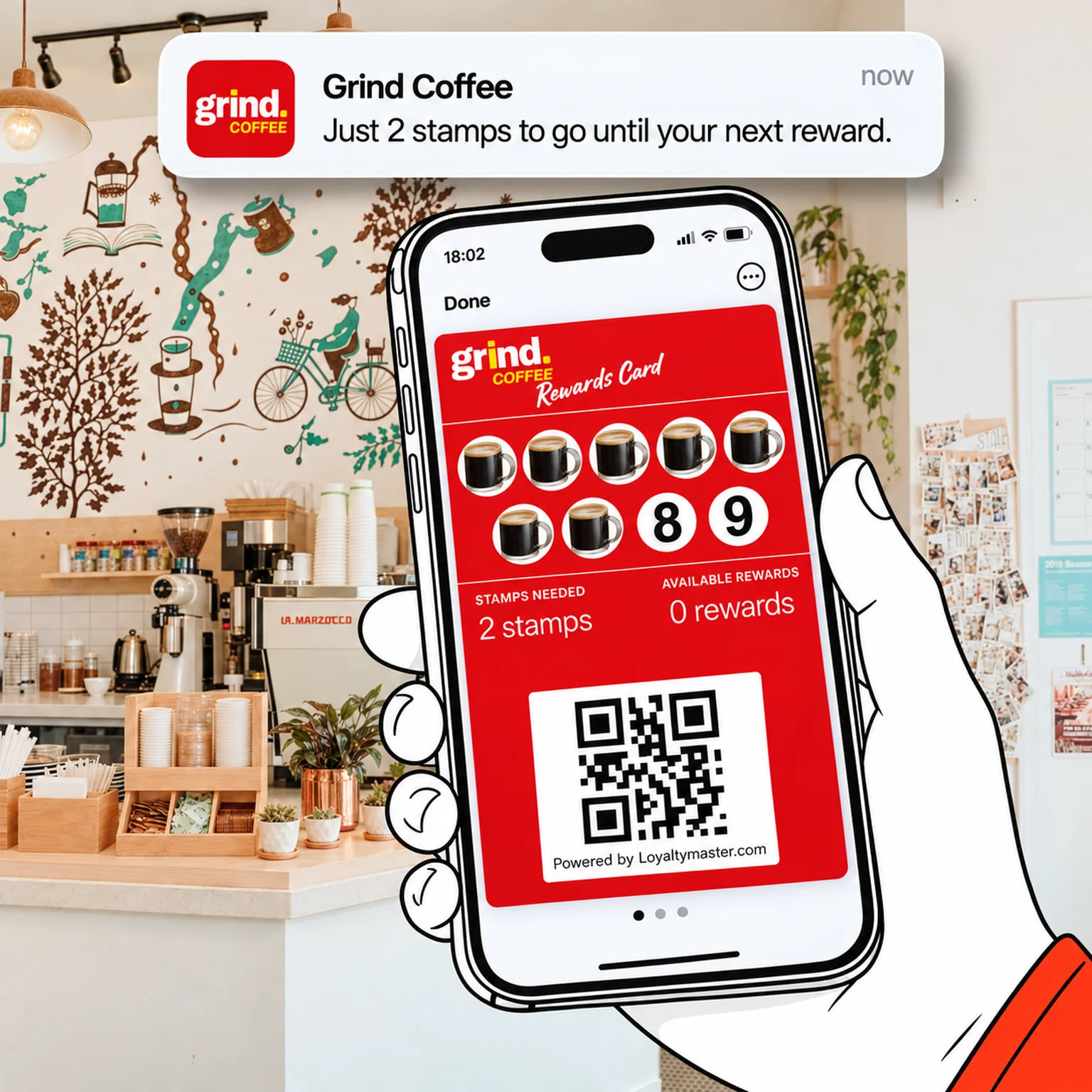
Your customer shows their phone, your staff scan it, and the stamp lands on their card. No scanner to buy, no app for your customers, and it takes a few seconds at the till.
Prefer to see it first? book a walkthrough, we will walk you through everything.
The short answer
Your customer opens their loyalty card in Apple Wallet or Google Wallet and holds it up. Your staff scan the QR code with the Loyaltymaster Scanner on a phone or tablet, tap how many stamps to give, and confirm. The card on the customer's phone updates on the spot. That is the whole job, for stamps, points and rewards alike.
A phone or tablet with an internet connection. The scanner opens in the browser, so there is nothing to buy and nothing to install from an app store.
One screen: scan, choose the number of stamps, confirm. If your staff can punch a paper card, they can do this.
No. It takes a few seconds, about as long as punching a paper card. At busy times, kiosk mode cuts it to a single scan.
The scanner
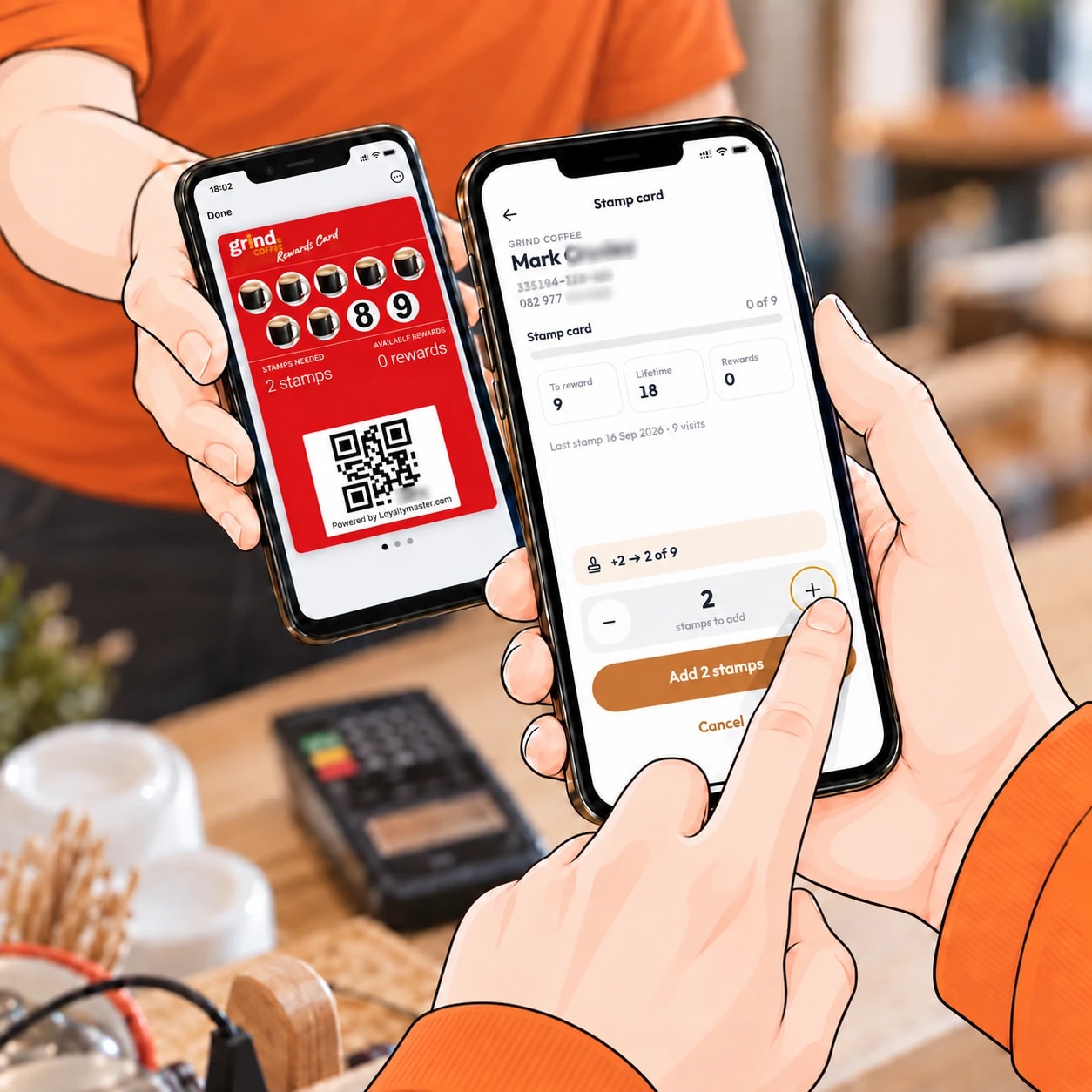
They open the Loyaltymaster Scanner on the counter phone or tablet and scan the QR code on the customer's wallet card. The card comes up with its current stamps. They choose how many to add with the + and − buttons and confirm. On a card that rewards spending, they type the purchase amount instead.
Rewards
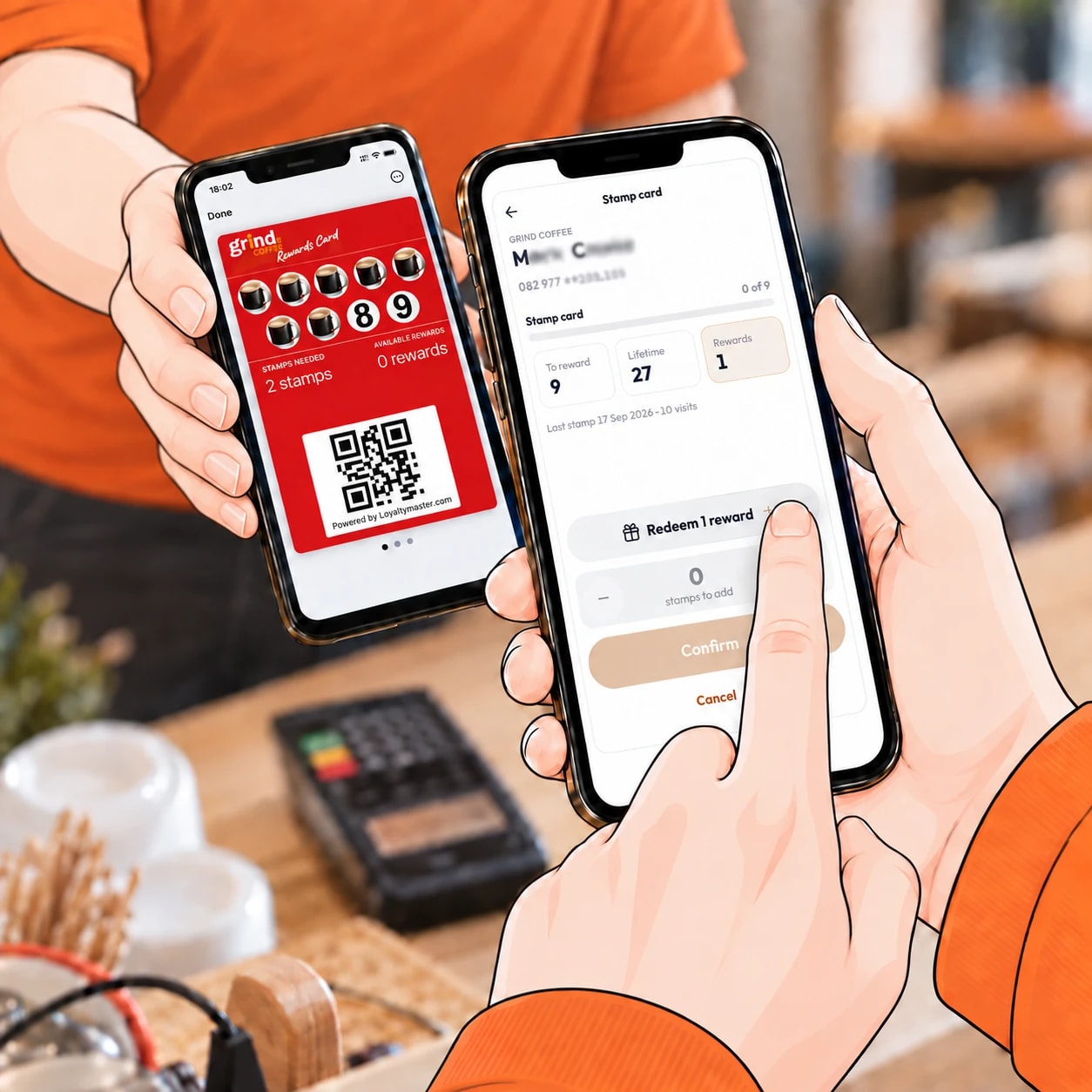
The same way they collect a stamp. Staff scan the card, and when a reward is waiting the scanner shows it. They redeem it and confirm, and the reward comes off the card on the customer's phone. The scanner never lets staff redeem more rewards than the card holds.
No phone, no problem
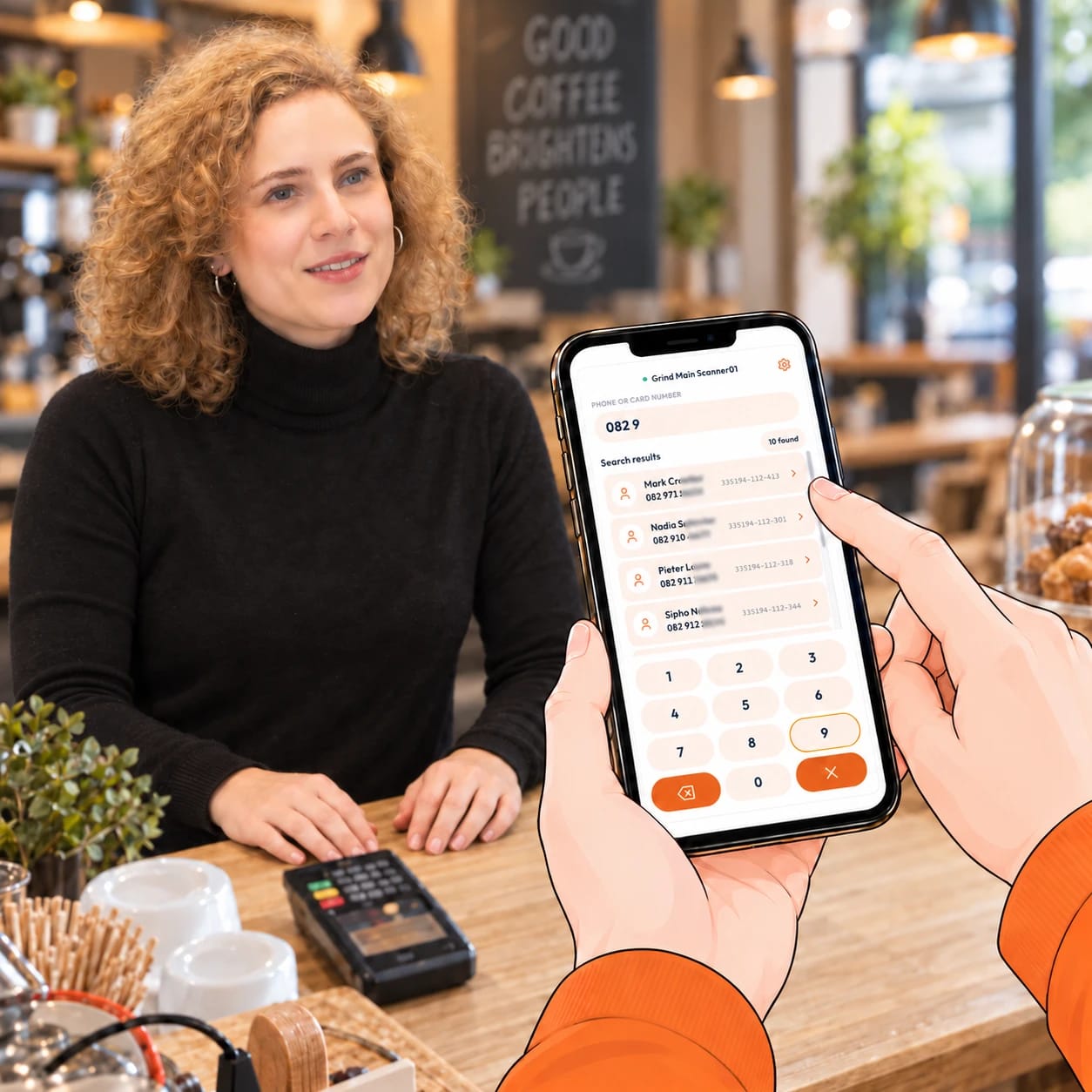
Your customer just tells you their phone number. On the Counter Terminal, an affordable dedicated device that sits on your counter like a card machine, staff start typing it. After a few digits, say 082 9, every customer whose number matches appears on the screen. They tap the right name, add the stamp and confirm. The phone scanner can do the same, searching by name, phone number, email or card number. Nobody loses a visit or stamp because they do not have their phone on them.
Kiosk mode
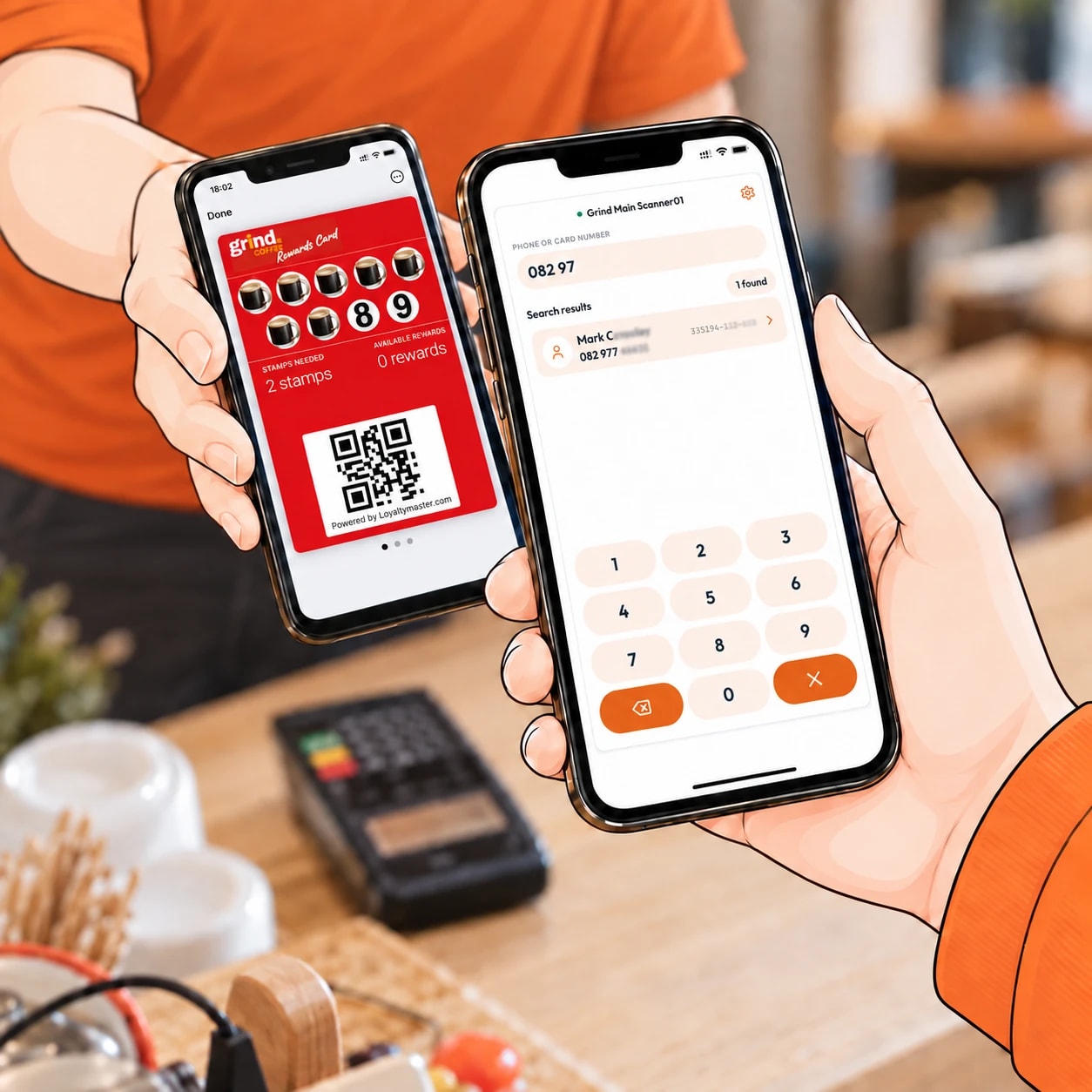
Yes. Switch on kiosk mode and the scanner adds the stamp or points the moment a card is scanned, with no taps in between. A built-in delay stops the same card being stamped twice by accident. Only an admin can turn kiosk mode on or off, so the setting stays where you put it.
From the office

Yes. You or a manager can open the customer's card in the web console and add stamps, points or a reward by hand. It is the fix for a missed stamp, a goodwill gesture after a bad day, or a bonus for a customer who sent you a friend.
Customers scan your QR code, save their new card to Apple Wallet or Google Wallet, and hand in their paper card. A manager manually adds the outstanding stamps in the Loyaltymaster console, either during that visit or later when they have time. Record the carried-over stamps separately from any stamps earned on today’s purchases. Keep the paper card as proof. The old stamps appear on the digital card once the manager has added them.
A customer joins today, hands in a paper card with five stamps, and buys two coffees. If each coffee earns one stamp, record two separate transactions:
The manager can add the carried-over balance later if necessary. Existing reward rules still apply.
Your till
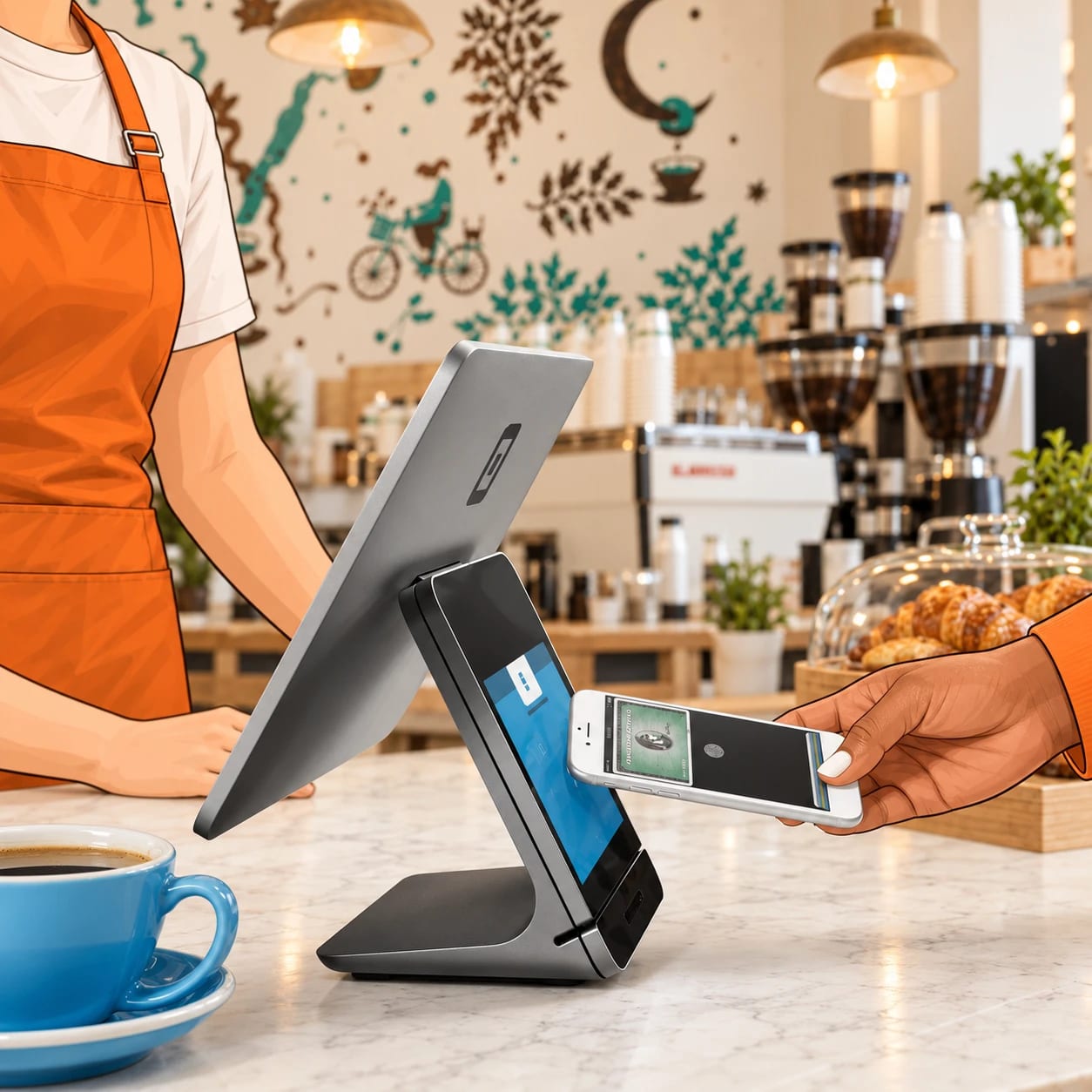
It can, but it does not have to. Most businesses scan with a phone and never connect anything. If you want stamps to follow each sale automatically, the Enterprise plan includes API and webhooks, and integrations with Square, Clover, TouchBistro and Toast are available through it.
On its way
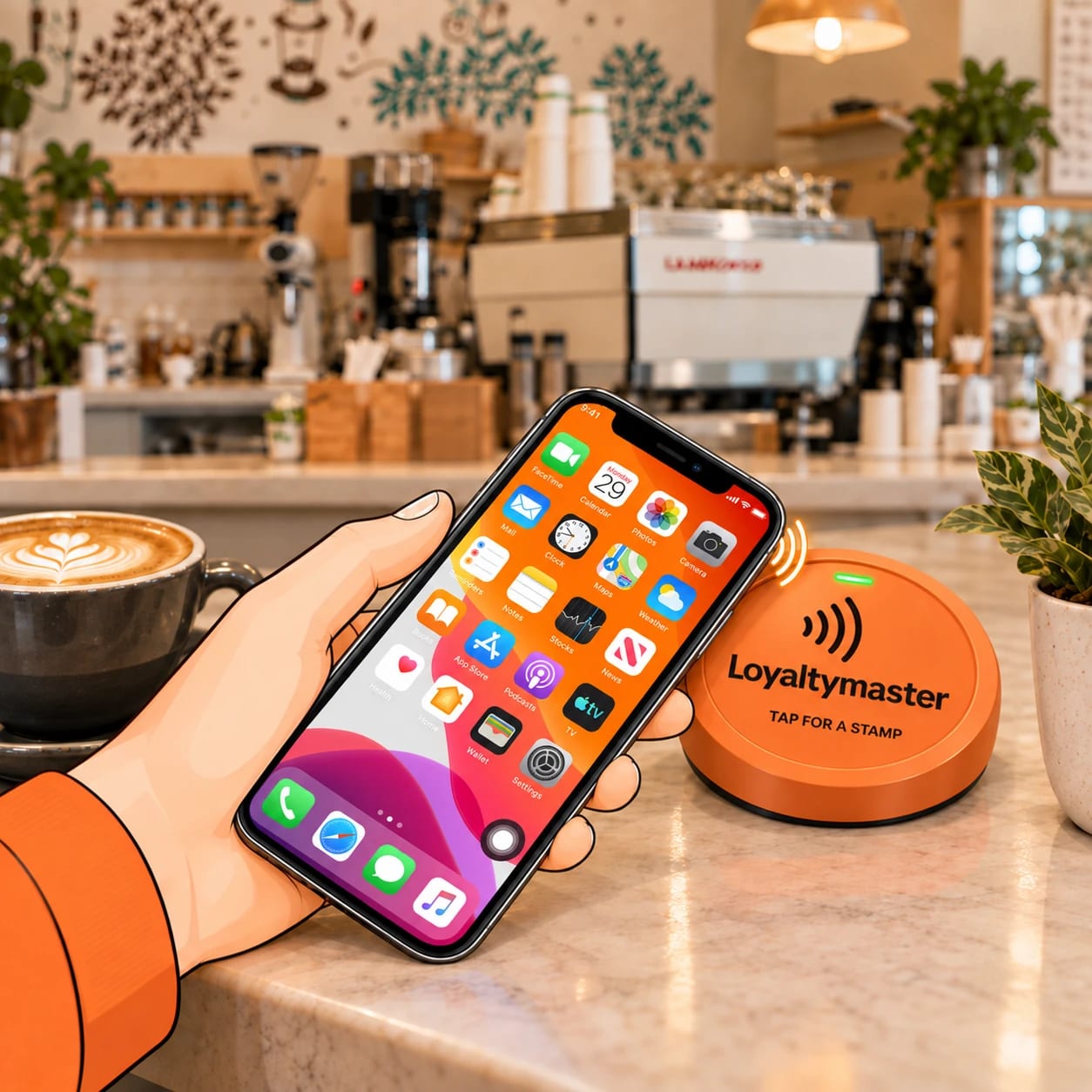
The Tap Device is on its way: an NFC tap-to-stamp plate for your counter. The customer taps their phone and the stamp goes on, and every tap is signed so it cannot be copied. Like the Counter Terminal, it is optional. Phone scanning stays the default, and it stays free.
Worth the trouble?
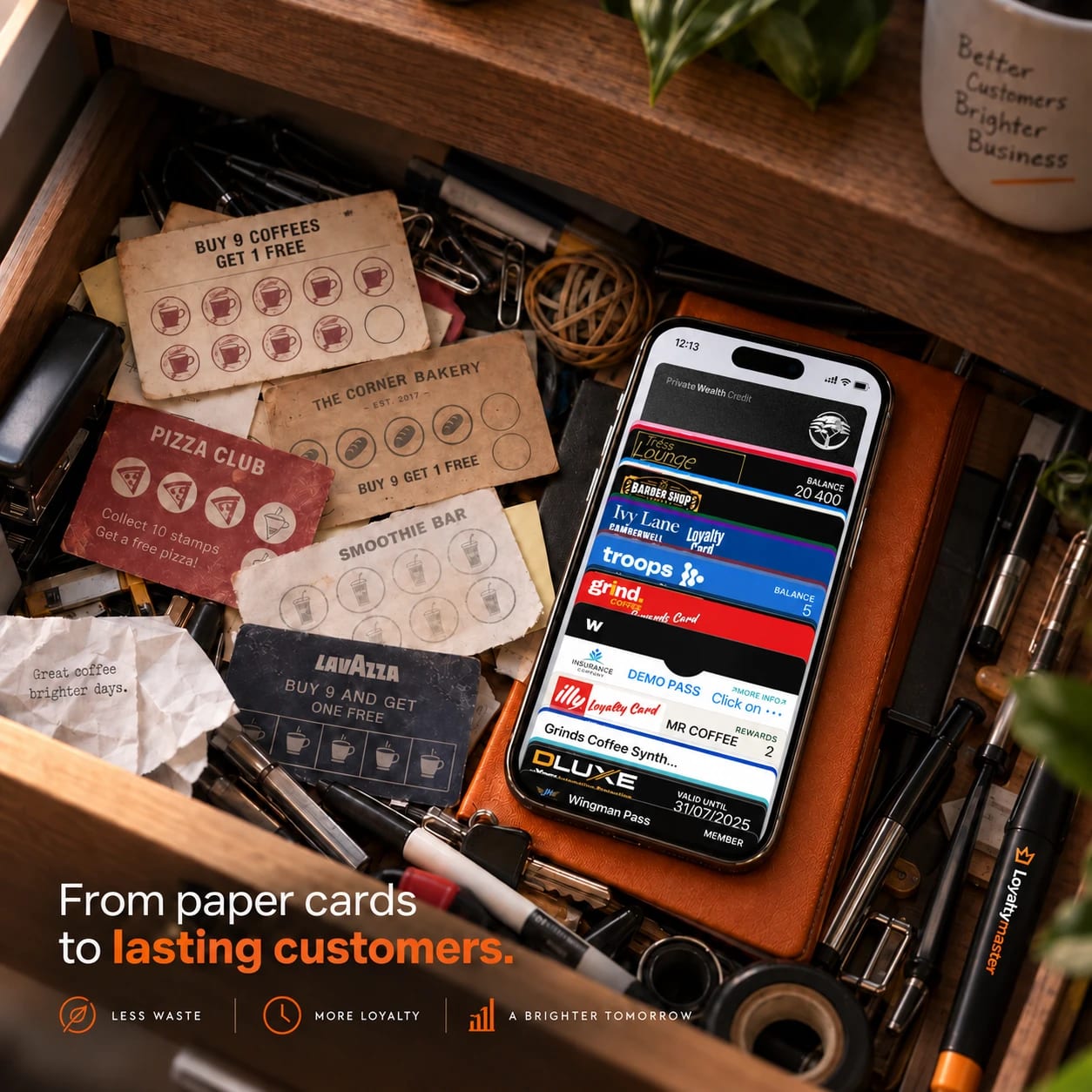
A punch card in a coat pocket is a customer who starts again somewhere else. A wallet card sits next to their bank card.
Nothing to print or reorder.
No half-full cards in the bin.
Anyone can punch a paper card. A digital stamp only goes on through your scanner or your console.
Duplicate control on every plan.
Kiosk mode blocks accidental double stamps.
A paper card never reminds anyone to come in. A wallet card lets you send a free push message to everyone holding one.
Free, unlimited push messages.
Their name, phone number and birthday on your list.
How it works
Your customer opens their card in Apple Wallet or Google Wallet. No app, no login.
The Loyaltymaster Scanner on your phone or tablet reads the QR code, or you search by name or phone number.
Choose the stamps and confirm. With kiosk mode on, the scan is the confirmation.
The new stamp shows on their phone, and when the card fills up, the reward is waiting on it.
The benefits
Scan, add the stamps for this visit, confirm. When the card is full, the reward is redeemed from the same screen.
Scan and add the points for the sale. The balance on the customer's card updates as you confirm.
Scan and type the purchase amount. The cash back builds on the customer's card with every visit.
Scan at the door or the counter to see the member's card and what it includes.
Scan the card at the counter when the customer comes to use it.
Scan to redeem the coupon, so the same offer is not used twice.
We design and build your card, set up the scanner and send you a printable counter sign. Your staff start stamping the day it goes live.
$1 first month • No contract • Cancel anytime • Keep your customer data.
We build every card. A person answers the phone.
FAQ
No. The card saves straight into Apple Wallet or Google Wallet from a scan at your counter, and that is the card your staff scan.
No, there is no scanner to buy. The Loyaltymaster Scanner opens in the browser on any phone or tablet you already own.
No. Giving a stamp takes a few seconds, about as long as punching a paper card. With kiosk mode switched on, the stamp goes on as soon as the card is scanned.
Search for their card by name, phone number, email or card serial number, and stamp it as if it had been scanned.
Yes. The scanner and the console are web-based, so the phone or tablet at the counter needs Wi-Fi or mobile data.
Yes, on the Growth and Enterprise plans. Growth includes 10 Manager Seats and Enterprise includes 50, so each person scans under their own name. See the plans
A stamp only goes on through your scanner or your console, and duplicate control is included on every plan. You can see every card's stamps and rewards from your dashboard.
There is one screen to learn: scan, choose the stamps, confirm. Your dashboard comes set up, and one hour of remote training is on the house.
Want to see the scanner before you decide? Book a walkthrough.