No App to Download
Your card goes into the Apple or Google Wallet already installed on your customers' phones. Joining takes under a minute.
Apple Wallet & Google Wallet
Loyalty, membership, and reward cards that live in the wallet apps your customers already have. No app to build, nothing to download.
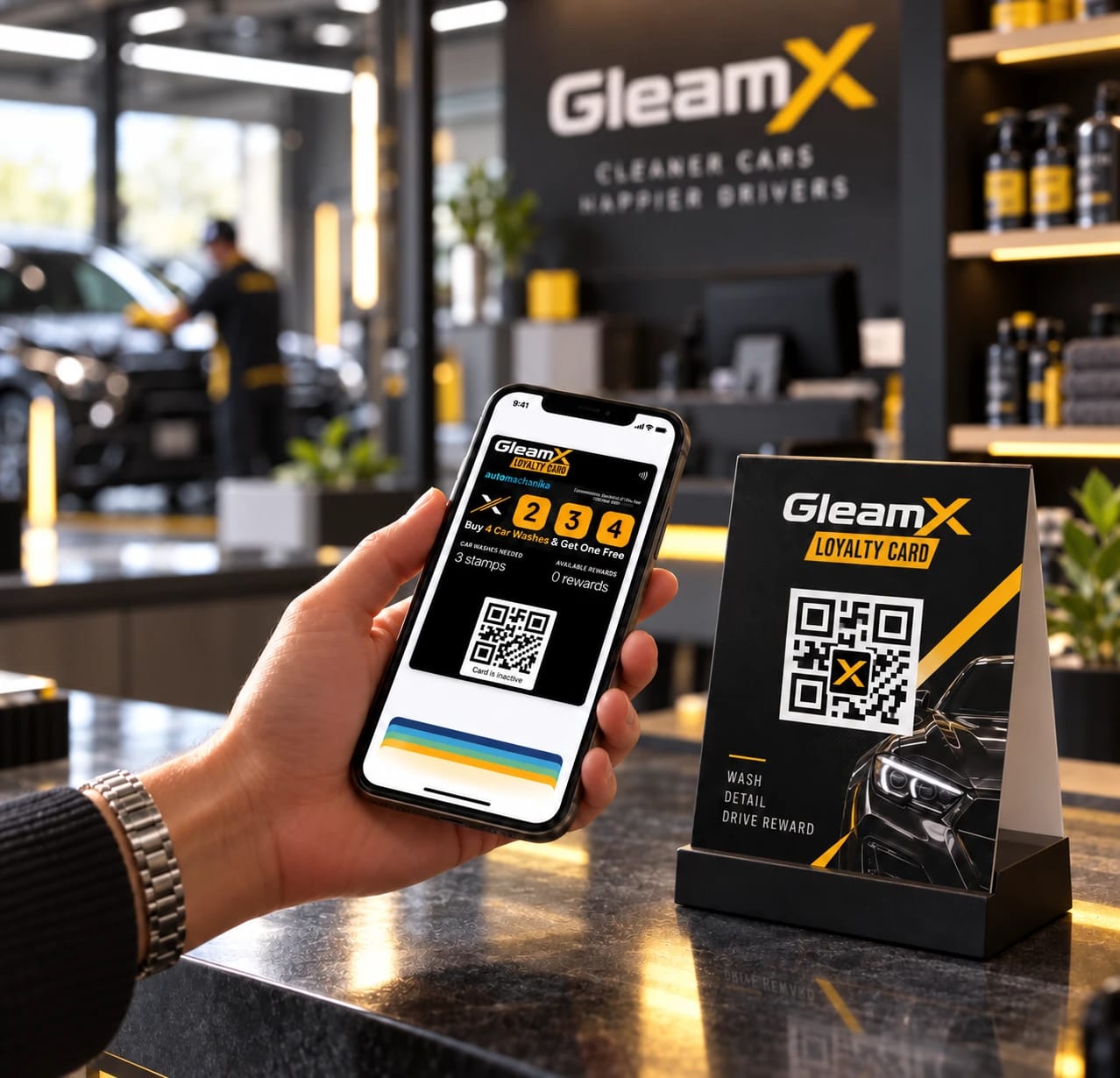
The short answer
Yes. With Loyaltymaster, any small or medium-sized business can issue branded digital cards that customers add to Apple Wallet and Google Wallet by scanning a QR code — no app to download, and joining takes under a minute. We design, set up, and launch everything for you, and your card is live in the next 48 hours.
Your card goes into the Apple or Google Wallet already installed on your customers' phones. Joining takes under a minute.
Loyalty cards are compatible with Apple Wallet, Google Wallet, and popular messaging apps, across virtually all modern smartphones.
Every Loyaltymaster wallet card can send free push messages that appear directly on your customers' lock screens.
Turnkey setup
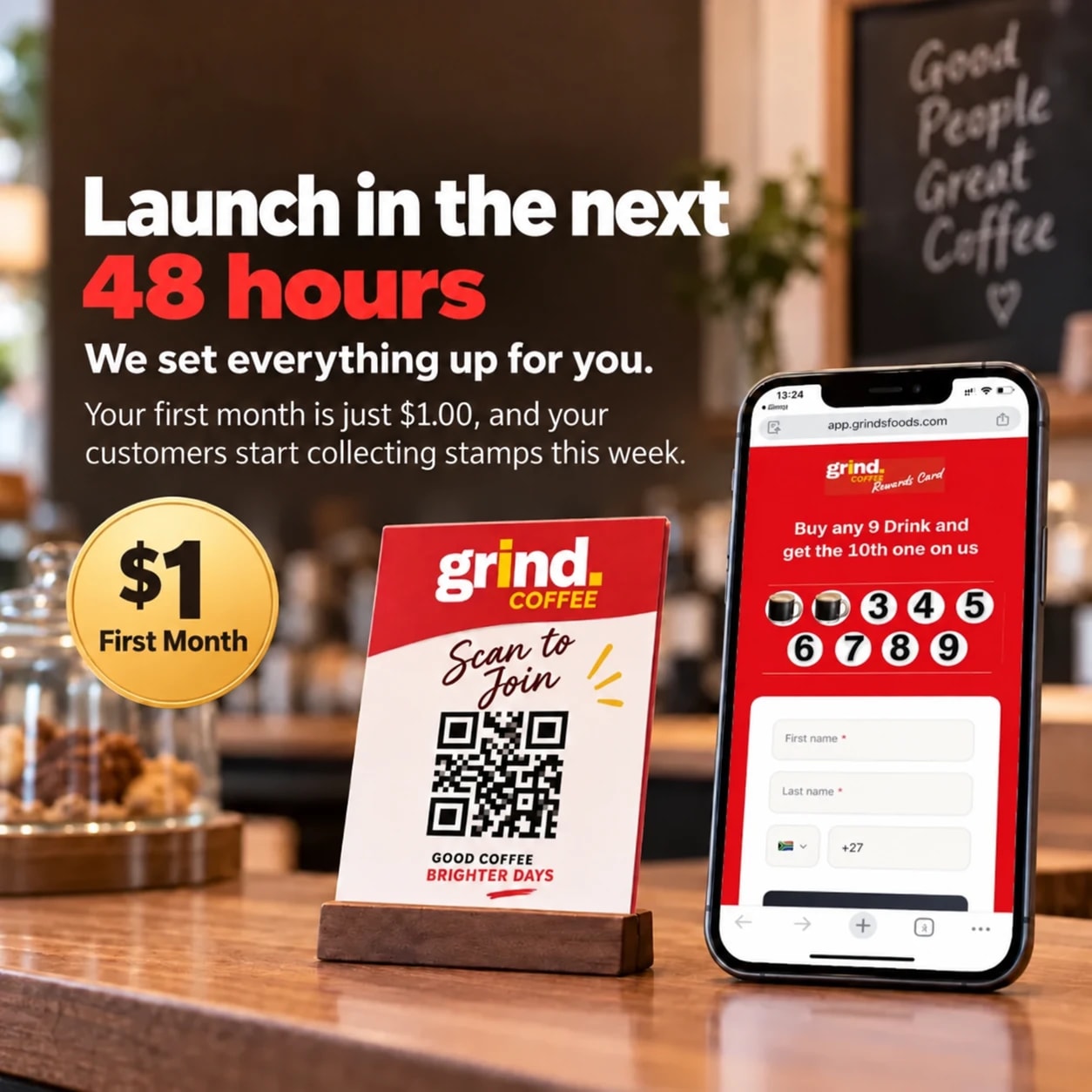
You don't build anything yourself. Fill in one short form, and our design team creates your fully branded, wallet-ready card for you. The same card works in Apple Wallet on iPhone and in Google Wallet on Android, so one program covers every customer.
Every card type
Every Loyaltymaster card type is a wallet card. Choose the loyalty model that fits your business:
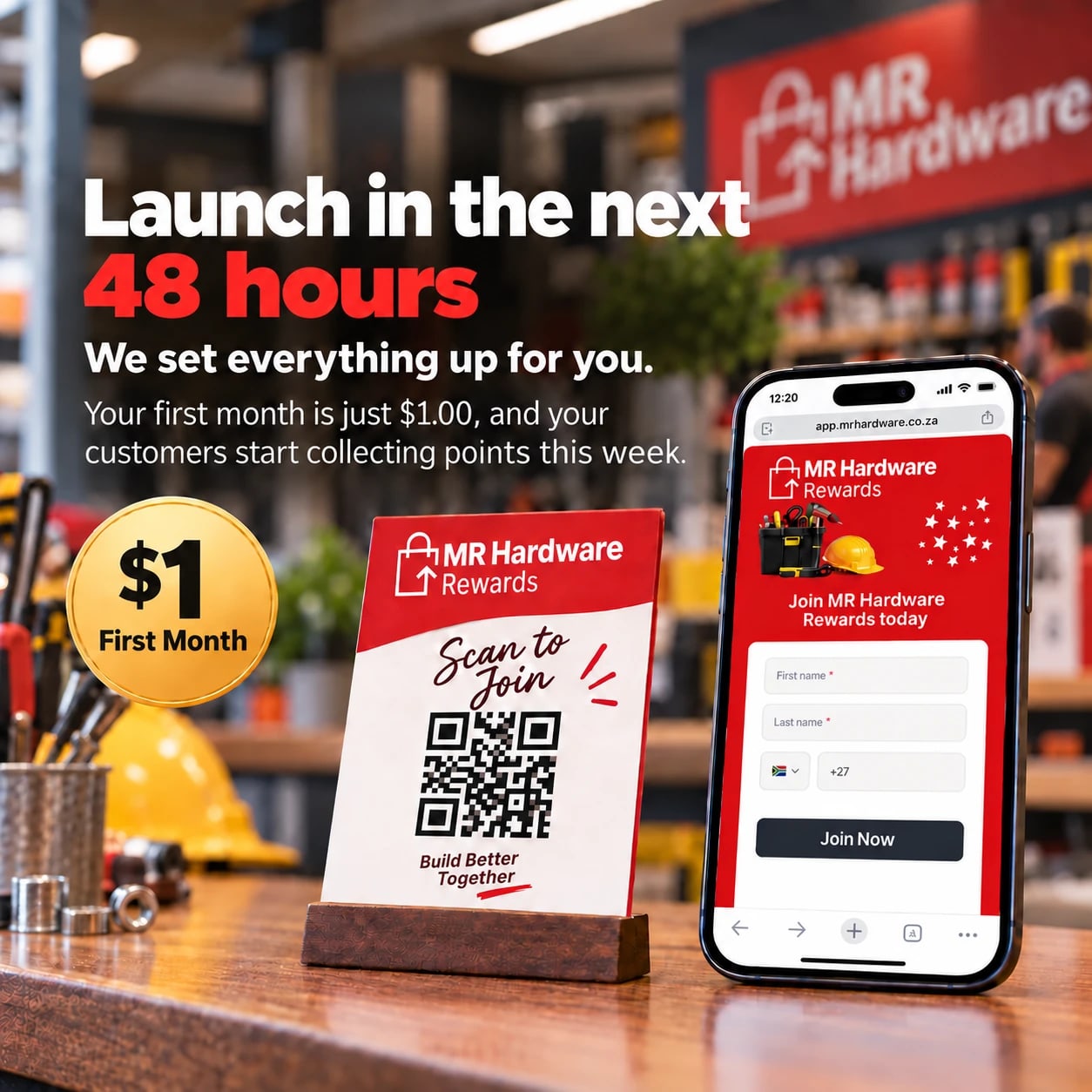
Membership cards
Look for a platform that covers both wallets, lets members join by QR code without downloading an app, and handles the setup for you. Loyaltymaster does all three: we design and launch your branded membership card for Google Wallet and Apple Wallet, members join in under a minute, and recurring billing and renewal reminders are built in.
Learn about digital membership cards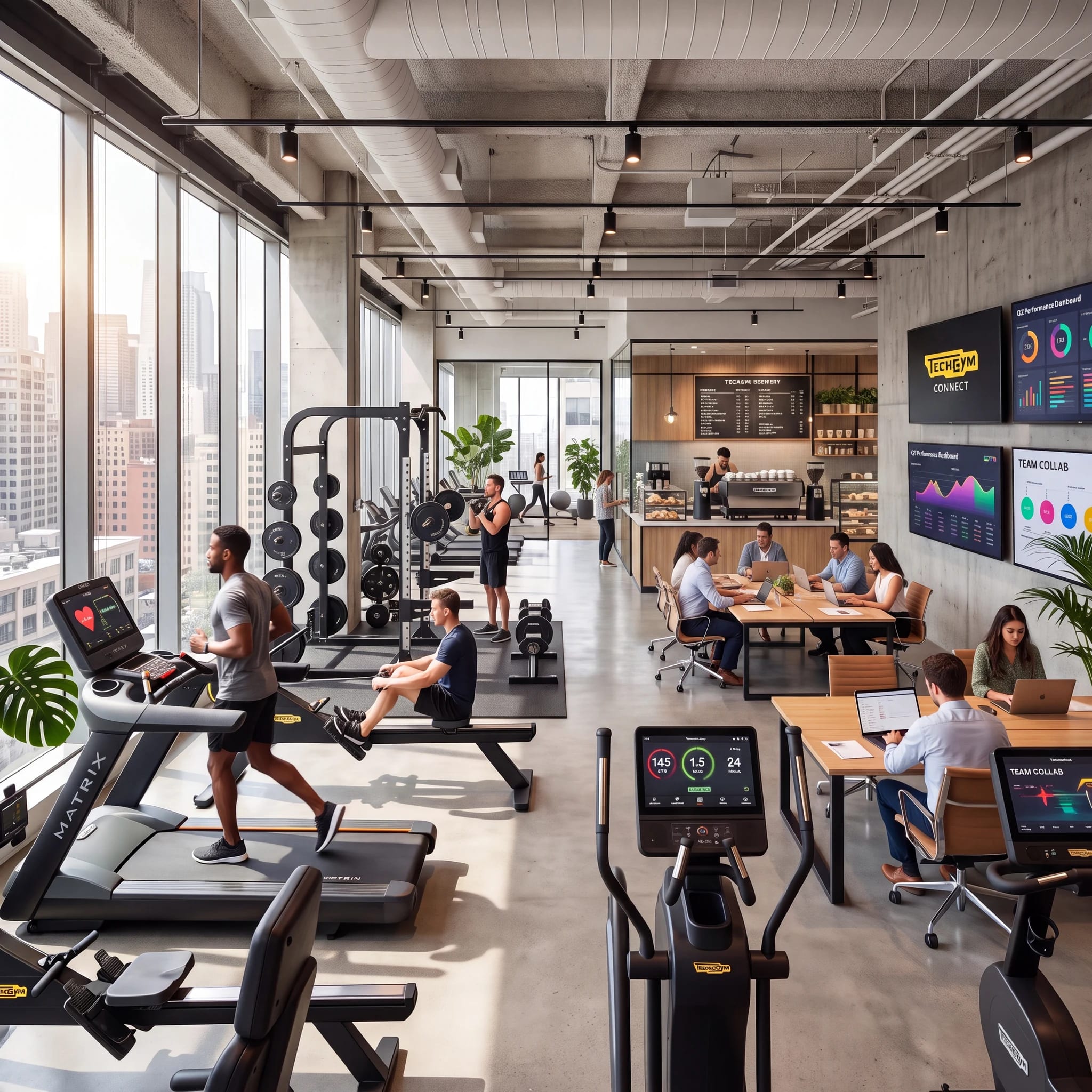
Push notifications
Your customers check their phones more than 100 times a day. This is where you want your brand to be. Send a push notification from the card. Every Loyaltymaster wallet card can send free push messages that appear directly on your customers' lock screens, and location-based messages can go out on auto-pilot the moment a customer comes within 100 meters (330 feet) of your door.
Start sending push notifications, no app required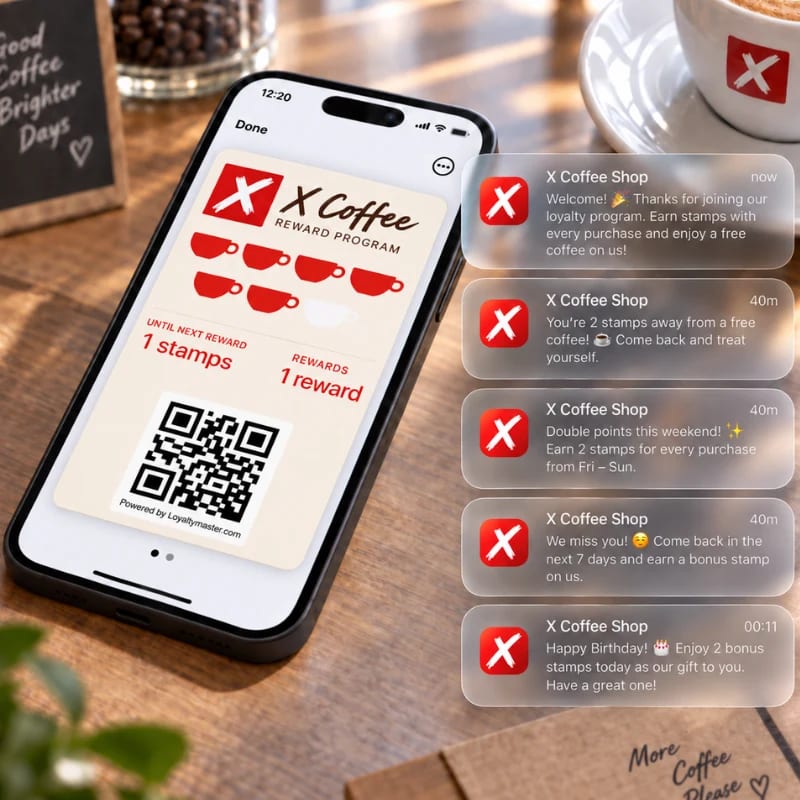
We design, set up, and launch your branded wallet card for you. It is live in the next 48 hours, and your customers join in under a minute.
$1 first month • No contract • Cancel anytime • Keep your customer data.
FAQ
No. Your digital loyalty card goes into their Apple or Google Wallet, which are already pre-installed on their smartphones. It's seamless and takes under a minute to join.
Yes. Loyalty cards are compatible with Apple Wallet, Google Wallet, and popular messaging apps. It works across virtually all modern smartphones.
Send free push notifications with offers straight to the lock screen, run limited-time Coupon Cards that drive urgency, and let branded digital Gift Cards bring in new customers. Location-based messages can also remind nearby customers to visit at just the right time.